
GRUB.ARMY // THEATRE 02 // COMMUNITY SERVER
WARDOGS
100 players. 3 teams. One Control Zone. Grub.Army's English-speaking community server is live — search the ID below in the in-game server browser and deploy.
- SERVER
- Grub.Army
- REGION
- EU
- CAPACITY
- 100 • 3 TEAMS
- STATUS
- LIVE
Live player counts for WARDOGS community servers are not exposed publicly yet. Check the in-game browser or ask in Discord.
DEPLOYMENT ORDERS
HOW TO JOIN
OPEN THE SERVER BROWSER
Launch WARDOGS from Steam. From the main menu go to Deploy and switch to the Community server list.
FILTER EU • SEARCH THE ID
Tick EU as your only region — the list comes back empty with several regions selected. Search Grub.Army or paste 307bcbed-8d6d-4867-adad-183a6409337b.
PICK A FACTION. DEPLOY.
Choose a faction, press Esc and Join or Create a squad. Friends can drop straight in via Steam Join Game.
SERVER NOT SHOWING?
Clear every filter, select a single region, and hit refresh. Full server? Stay in the queue — slots free up when a match ends. Still stuck? Shout in Discord and someone will invite you through Steam.
COMMS
SQUAD UP BEFORE YOU QUEUE
Three factions means a group that has not agreed on one ends up shooting at each other. Sort it in Discord before you queue. On #instructions, Create private room gives you a voice channel and a friend code for the people you are playing with; Create public room puts you somewhere anyone with the WARDOGS role can join. Either way you do not have to be in a voice channel already — the bot hands you the room and a link.
Once the faction is agreed, one person joins the server, picks it and presses Esc to create a squad. Everyone else uses Steam Join Game to land in the same faction and the same squad. Keep the Discord room open once you are in: in-game local voice only carries to the players next to you, so a room is how you coordinate with a second squad across the Control Zone.
Rooms run under the same conduct code as the battlefield — see the WARDOGS rules. If you have nobody to play with yet, the full guide to the rooms and the quiet hours is on find a squad.
WHY THIS SERVER
GRUBBING PAYS. LITERALLY.
WARDOGS runs on a persistent cash economy. Every life you buy a loadout; every kill, revive and objective earns it back. Rolling cheap kit into someone else's expensive one is the whole Grub.Army philosophy with a price tag on it.
CHEAP KIT, RICH TARGETS
Drop in light, hunt the players who spent big, and bank the difference. The cash you save is the cash you invest in the vehicle that turns the match.
ADMIN ON DECK
Community servers let admins remove players on the spot. No waiting on a report queue while a cheater ruins a 100-player match.
SQUADS THAT TALK
Local voice is the game. We run Discord LFG for every team, including new-player friendly squads that can talk you through cash, vehicles and the Control Zone — and a squad voice room is one button on #instructions.
INTEL BRIEF
WHAT IS WARDOGS?
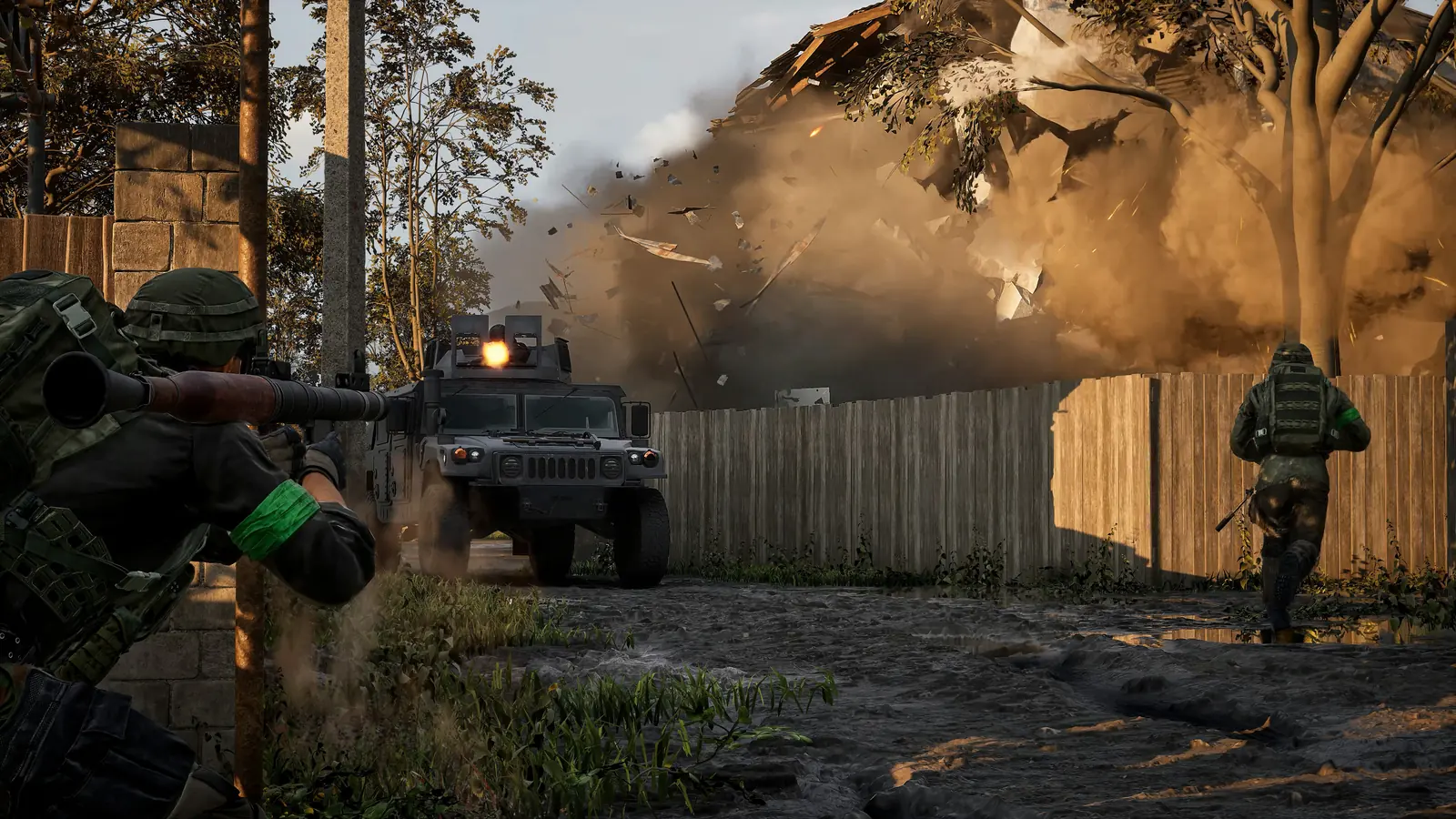
WARDOGS is a tactical all-out-warfare FPS from Bulkhead, published by Team17, in Steam Early Access since 10 September 2026. Up to 100 players split into 3 teams fight over a randomised 2 km × 2 km Control Zone inside a 256 km² map. The team holding the most players in the zone earns points; first to 100 wins.
Every player starts with $10,000 and buys a custom loadout each life — weapons, gear, utility and vehicles. Team play pays: reviving squadmates, ferrying friendlies to the zone and holding the objective all put cash in your pocket, and that cash persists between matches.
Expect firefights across Bakurani, Ozeti and Zestafona, with Grub.Army squads forming most reliably during UK and European evenings.
Buildings come down under rockets and armour; you can also fortify chokepoints with your own forward operating base. Everything is tied together with local voice chat. No battle royale, no extraction timer — just a player-driven sandbox where a well-timed ambush beats a big wallet.
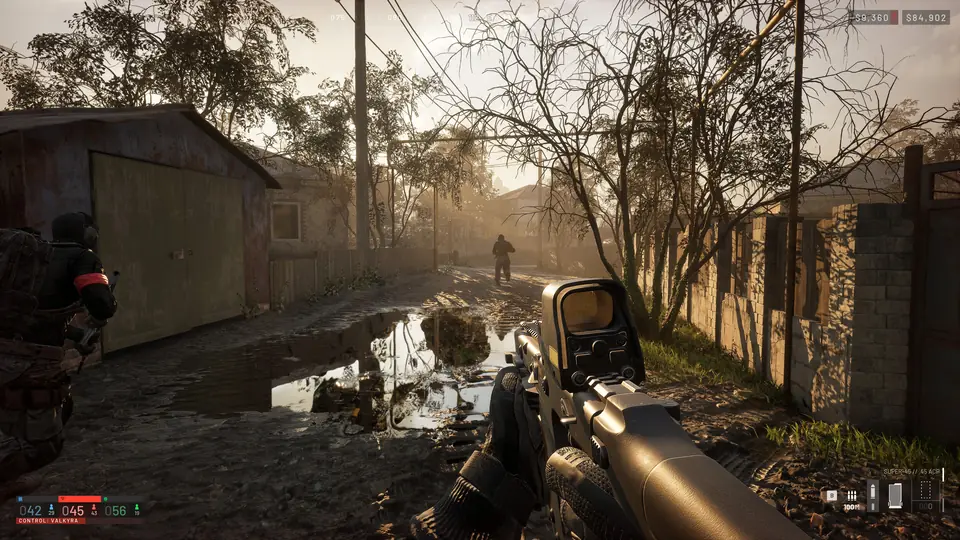
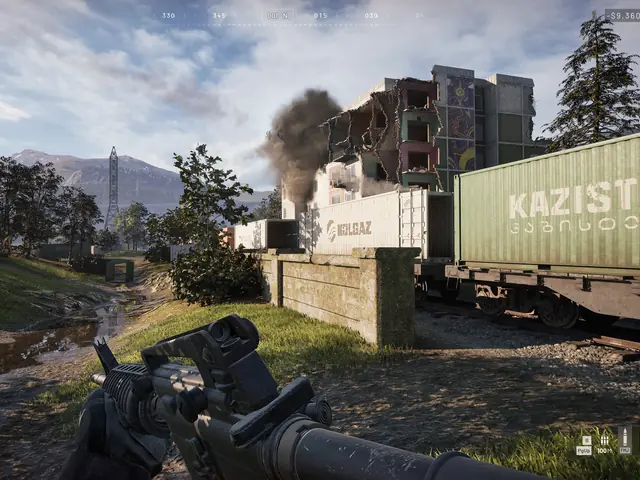
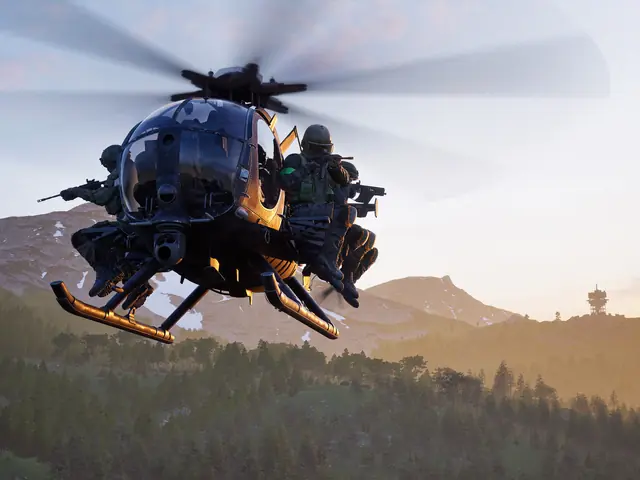
Screenshots © Bulkhead Ltd / Team17, from the official WARDOGS press kit. Grub.Army is an independent community server and is not affiliated with Bulkhead or Team17.
RULES OF ENGAGEMENT
SHORT LIST. HARD LINE.
- //No cheats, macros or exploits. Instant ban.
- //No intentional team killing or team-vehicle griefing.
- //No colluding with enemy factions or swapping teams to sabotage.
- //Local voice stays clear of slurs, hate speech and ear-rape.
- //Admin decisions are final. Appeal in Discord, not in chat.
Full WARDOGS ruleset plus the general conduct code every Grub.Army server shares.
READ THE FIELD MANUALFREQUENTLY ASKED
WARDOGS SERVER FAQ
How do I find the Grub.Army WARDOGS server?
Launch WARDOGS, open the server browser and switch to community servers. Set your region to EU only (the browser returns nothing if several regions are ticked), then search "Grub.Army" or the server ID 307bcbed-8d6d-4867-adad-183a6409337b. Select it, pick a faction and deploy.
Do I need a password or a whitelist?
No. The server is public. Anyone who owns WARDOGS on Steam can join while there is a free slot. If it is full you will be placed in the queue — slots open up at the end of every match.
How do I play with my friends on the same team?
Have one person join first, choose a faction and press Esc to create a squad. Everyone else right-clicks them in the Steam friends list and picks Join Game — that drops you into the same server, the same faction and the same squad. You can also coordinate a faction in our Discord before you queue.
What are the rules on the Grub.Army WARDOGS server?
No cheating, no intentional team killing, no griefing your own team's vehicles or fortifications, no colluding with enemy factions, and keep local voice clear of slurs and hate speech. The full list is in our rules page under WARDOGS.
How do I report a cheater on the server?
Open a ticket in our Discord with the player name, the approximate time and any clip you have. Community server admins can remove and ban players from the server directly, so we act fast.
Is WARDOGS free to play?
No. WARDOGS is a paid Early Access title on Steam from Bulkhead and Team17. Once you own it, joining our community server costs nothing.
BOOTS ON. DEPLOY.
Copy the ID, set your region to EU, find Grub.Army in the community browser.